
How to Search the Mason Court Docket
Mason CaseLook is the court's public gateway. It is the natural first stop for a Mason court docket search. Accept the disclaimer to proceed. Searching by name, case number, or citation details helps separate a Mason case from one assigned elsewhere in Warren County. Read the status and any scheduled event together. A calendar entry only sets a hearing. It does not prove the hearing happened or that the case has ended.
- Open Mason CaseLook and accept the disclaimer before choosing a local search channel.
- Use Record Search when a Mason case number or party name is available.
- Use Hearing Calendar to locate a listed setting, then compare it with the case details and any notice received.
- Check the Warrant List or Probation Search only when that is the channel the Mason court identifies for the question at hand.
- Contact Mason Municipal Court when a result is missing, appears delayed, or needs confirmation before an appearance.
Cases from Mason and Deerfield Township will not always surface in a broad county search. Check the court named on your citation or notice. That name is the routing key. For a felony or a high-value civil matter, the local Mason search may cover only the first stage of the case path.
Mason CaseLook Docket Delay
Mason cautions that online results can trail a filing or judicial action by at least 24 hours, and sometimes more. The lag is a known court-record issue. It does not mean an event was canceled or a filing never happened. A delayed result still helps you locate a Mason case, but when timing matters, the court counter is the verification channel.
The safest sequence is simple. Notice or citation first. Current CaseLook result second. Direct confirmation last. This matters most when a Mason hearing is near, a payment balance has shifted, or the docket status no longer matches your paperwork. Online data changes, but it never replaces the record the court itself holds.
Mason lookup reminder: Allow for the stated online-posting delay, then verify a time-sensitive Mason docket entry with the court before acting on it.
The Mason Municipal Court
Mason Municipal Court serves the City of Mason and Deerfield Township. Its criminal division takes Mason misdemeanors, traffic matters, and preliminary felony hearings. The civil division handles qualifying disputes, small claims, and evictions. A Mason court docket has that defined local role. It does not stand in for every Warren County court record.
You can reach the counter at 5950 South Mason Montgomery Road, Mason, Ohio 45040. You can also call 513-398-7901. Counter hours run Monday through Thursday, 7:30 a.m. to 4:00 p.m. Friday hours are 7:30 a.m. to 12:30 p.m. Those hours give you a direct fallback whenever the Mason online docket cannot settle a records or appearance question.
Mason Municipal Court
5950 South Mason Montgomery Road
Mason, OH 45040
513-398-7901
Counter hours: Monday-Thursday 7:30 a.m.-4:00 p.m.; Friday 7:30 a.m.-12:30 p.m.
The official Mason court homepage identifies the local court and its public service links.
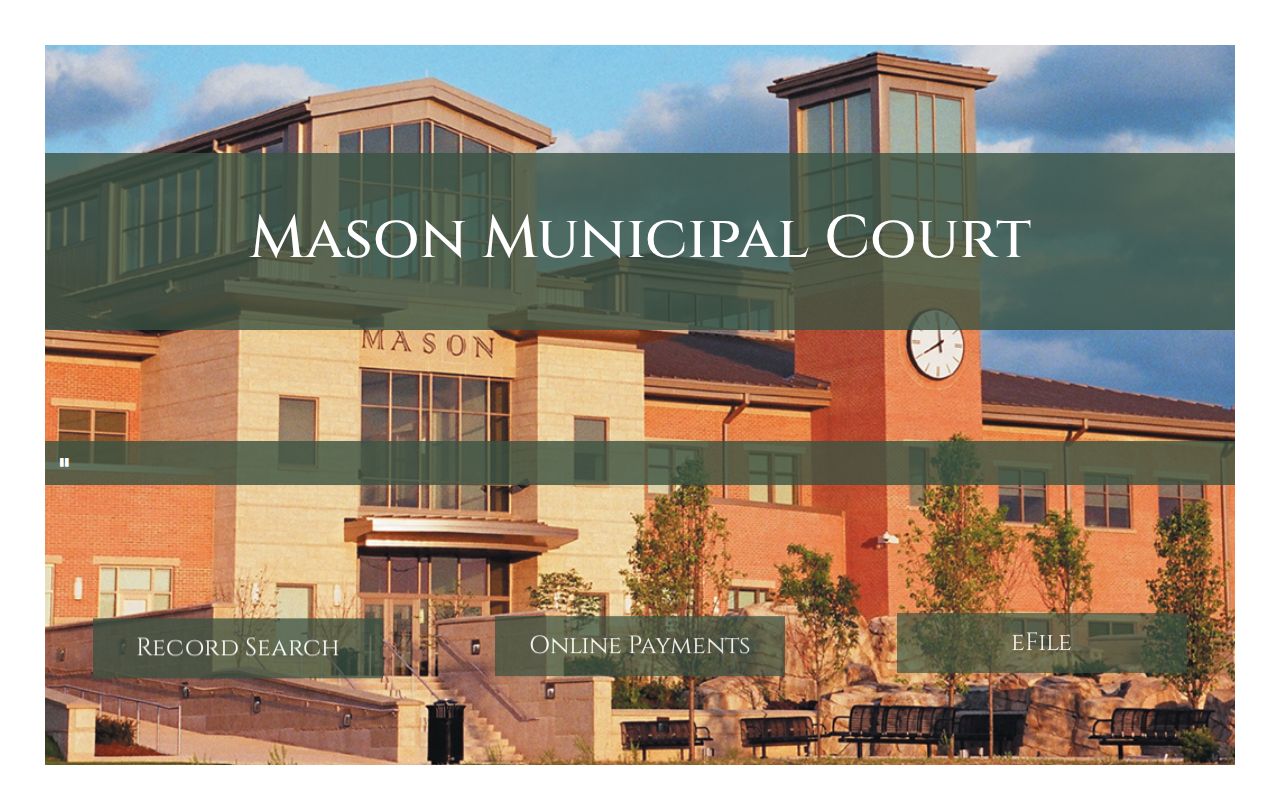
The court location is where to confirm a local record, a payment route, or a court-date question. Use it when the public gateway cannot answer.
Mason Court Docket Since 1966
The Ohio General Assembly created Mason Municipal Court on January 1, 1966. It replaced Mason's Mayor's Court. That history explains why the city keeps a municipal-court docket rather than a mayor's-court calendar. The Mason court record belongs to a court of record. It carries local civil, traffic, misdemeanor, and preliminary-felony responsibilities.
For a current Mason search, the history is mostly a routing lesson. A local Mason ticket or civil case belongs with the municipal court's own channels. A City of Mason address alone does not make Warren County Common Pleas the first docket to check. The Mason court record is a local channel. It is not a temporary city schedule or a general county calendar.
Mason Court Dates and Settings
Treat a Mason docket date as a court setting. A setting is a scheduled event. Later entries plus the docket's status show what actually happened after it. Mason CaseLook offers a Hearing Calendar. Yet the court's notice and the case-specific record remain key confirmation sources. Call the Mason court before relying on any date that is close or looks inconsistent.
| Court | Identify Mason Municipal Court before treating a setting as a local Mason event. |
|---|---|
| Case number | Use the court's identifier to separate similar party names and locate the correct Mason docket. |
| Hearing date | Read the scheduled date with the notice, the current CaseLook entry, and later docket activity. |
| Status | Check the Mason case status rather than assuming a calendar listing states the outcome. |
| Setting type | A hearing or other scheduled event is an appearance point, not necessarily a final disposition. |
When a Mason date changes, trust the most current court-controlled information. A docket runs in chronological order, so a later Mason entry can change what an earlier hearing calendar result meant.
Mason Court Docket Continuances
Mason's published procedure requires a continuance request before the hearing, except in an emergency. The court points requesters to its time-waiver and continuance form and asks that the form be emailed to the Mason court. Sending the request does not move a Mason calendar date by itself.
Keep the original setting in view until the court confirms a change. A continuance is only a request to reschedule. The updated docket or direct Mason confirmation shows whether a new setting is actually in place. That distinction keeps a request from being mistaken for an approved court action.
Note: A Mason continuance request should be submitted before the hearing unless an emergency makes the ordinary form process unavailable.
Mason Traffic Tickets
Mason Municipal Court hears traffic cases from Mason and Deerfield territory. Before anything else, read the citation itself. The court name and the appearance details are printed right on the ticket. That tells you where the case lives.
Once you know the court, Mason CaseLook can show the local record or hearing channel. A citation routed to Mason stays in the Mason docket. A ticket written for another court belongs to that court instead.
Paying is flexible. Mason takes payment in person, online through its case lookup, or by phone. Personal checks are not accepted. CaseLook's Fines and Costs area shows the balance. Still, confirm any payment tied to a pending appearance with the court first.
Mason Court Docket Channels
Mason splits its online services into three separate tools. Record Search finds the case history. Online Payments settles an eligible balance once the right Mason case is located. The Mason eFile link is the filing route the court chose. It is not a public substitute for the docket itself.
The gateway also lists a Hearing Calendar, a Warrant List, and a Probation Search. Treat these as distinct channels rather than one blended search. Pick the one matching the record or event you are checking. Then call the court when the online route cannot verify what you need.
The Mason CaseLook gateway lays out these separate record and calendar channels. Its official page shows each one.
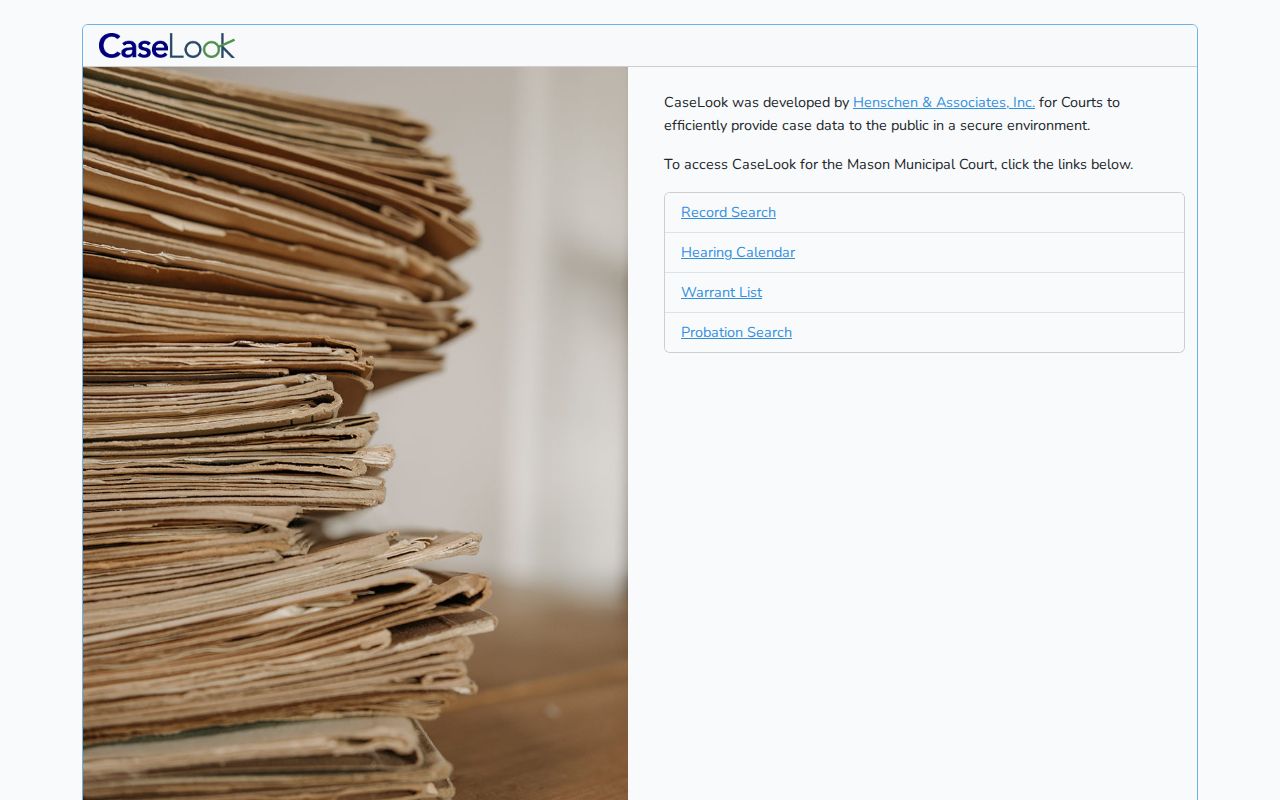
That layout is the point. A calendar, a warrant list, and a case-history search each reach Mason court information a different way, and the gateway keeps them separate on purpose.
Where Mason Cases End Up
Mason Municipal Court owns the local docket within its limited jurisdiction. Felonies work differently. A Mason felony moves through the applicable lower-court process. Then it lands at the Court of Common Pleas level.
General civil actions above the municipal limit sit in the Common Pleas layer too. So the Mason record and the county record answer different questions. They apply at different stages of a case.
Docket flow: Mason Municipal Court › Warren County Courts › Court of Common Pleas
Sometimes a Mason search comes back empty because a case has outgrown municipal jurisdiction. That is not a dead end. Use the broader Warren County court docket routing information. It helps you find the county court now responsible. No single Ohio trial-court portal replaces the court-owned local search.
Mason Court Record and Audio Requests
Requesting a Mason public record and requesting hearing audio are two different tasks. The court's FAQ walks through the first one. Download the Mason Public Records Request form, fill it out, and email it to the court. A docket entry can locate the case. But the record or case file itself must come from the Mason court.
Mason does not employ a court reporter. So request the hearing audio CD first. Do that before any separate court reporter prepares a transcript for appeal or objections. The CD, the transcript, and a filed court record are three distinct items. Mason treats them as separate requests. Know exactly which one you need before contacting the court.
The Mason records and payment FAQ spells out the separate procedures. It covers records, payment, continuances, and hearing audio.
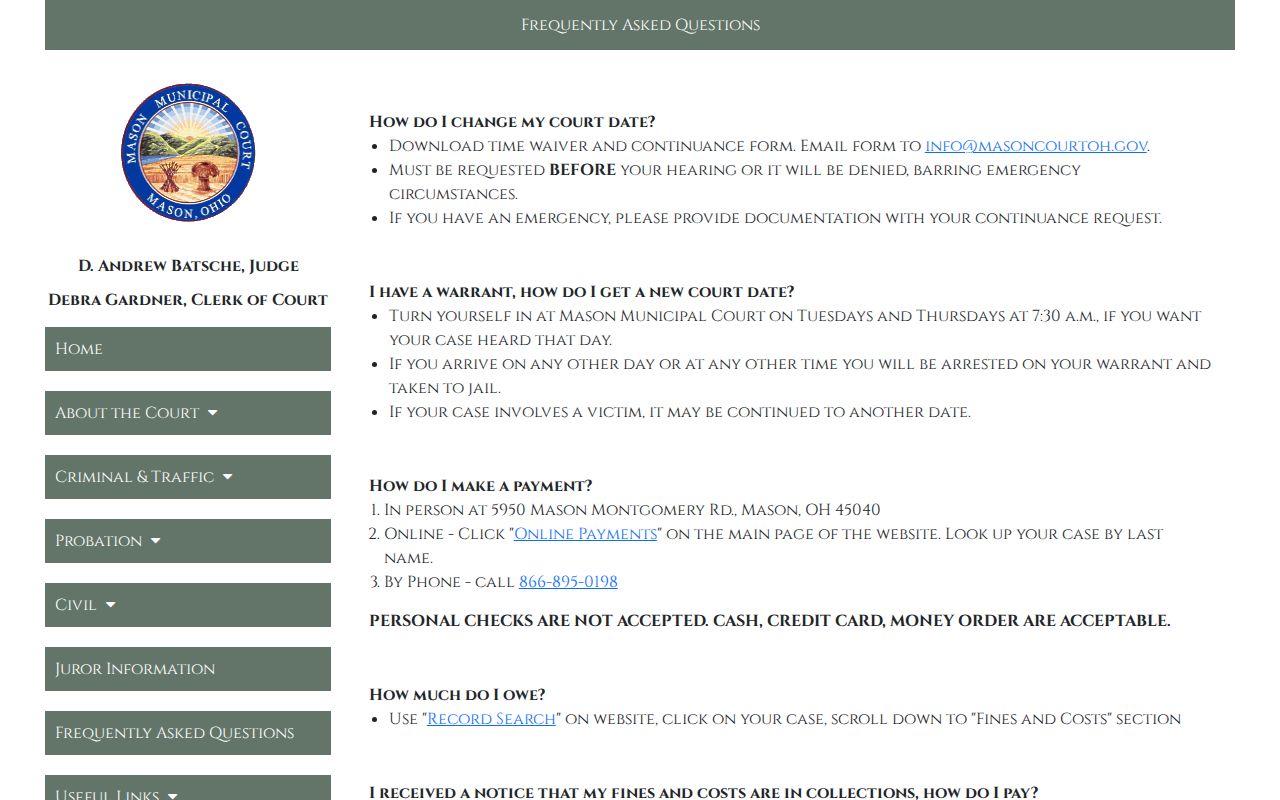
These separate paths exist for a reason. Keeping them straight stops a reader from mistaking a public docket result for an official copy, a hearing recording, or a prepared transcript.
Public Access to Mason Court Records
Ohio's public-access framework governs Mason court records. Court rules and law control exclusions, redaction, and restricted material. Public does not mean everything is online. A docket field or a filed image may simply not be available remotely.
If a Mason result seems incomplete, ask the responsible court directly. Request an accessible record or a specific copy. Protected material can include personal identifiers, and sealed records have limited access.
The Mason docket still earns its keep for checking a local case, a setting, court operations, or a route to an official record. Just read it with remote-access limits in mind.
Key Rules:
Ohio Sup.R. 44-47 recognizes public access to court records while allowing exclusions, redaction, and court-rule limits.
Ohio Revised Code 149.43 requires public offices to make public records available for inspection and copies within a reasonable period, subject to exceptions.
Ohio Revised Code 2953.34 limits access to sealed records and a maintained sealed-record index.
Mason Civil Court Docket Limits
Mason's civil division caps disputes at $15,000. Small claims top out at $6,000, and the division also handles evictions. Those limits route a case before any search starts. A qualifying civil matter may carry a Mason municipal docket. A general civil action above the boundary belongs in the Common Pleas system.
Note what these numbers are. They are case-routing limits, not a prediction of any claim's result. A Mason docket shows which court owns the case and lists its events. For a case-specific question about a filing, hearing, or outcome, the court record, notice, and clerk are the sources that count.
- Mason civil docket
- The local Mason court history for a qualifying civil dispute, including its filed events and settings.
- Small claims
- A Mason civil category for claims not exceeding the court's stated $6,000 limit.
- Eviction
- A civil-division matter identified by Mason as part of its local court role.